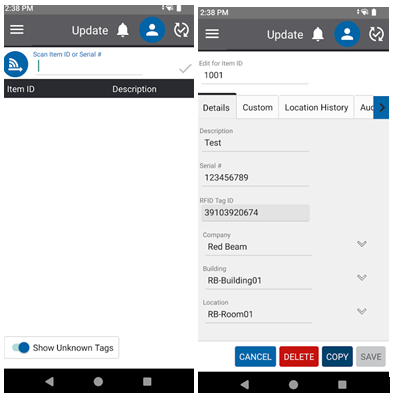
RedBeam users can create, edit, view and delete Items and Item Details of one individual items with the Update page.
Simply read one RFID tag at a time, scan a singular barcode or type the Item ID to pull up the Item. Create a new Item by reading a tag that does not exist in the system.
Tip: Because this function helps update one item at a time, it may be helpful to power down the RFID read range. Click on the Blue RFID button to the left of the text bar to edit.